From payment to first match
Checkout delivers the key, loader and guide by email in minutes. The short version: extract the loader, run it as administrator, pause over-eager antivirus real-time protection during setup, log in with the key, and let it do its work before the game launches.
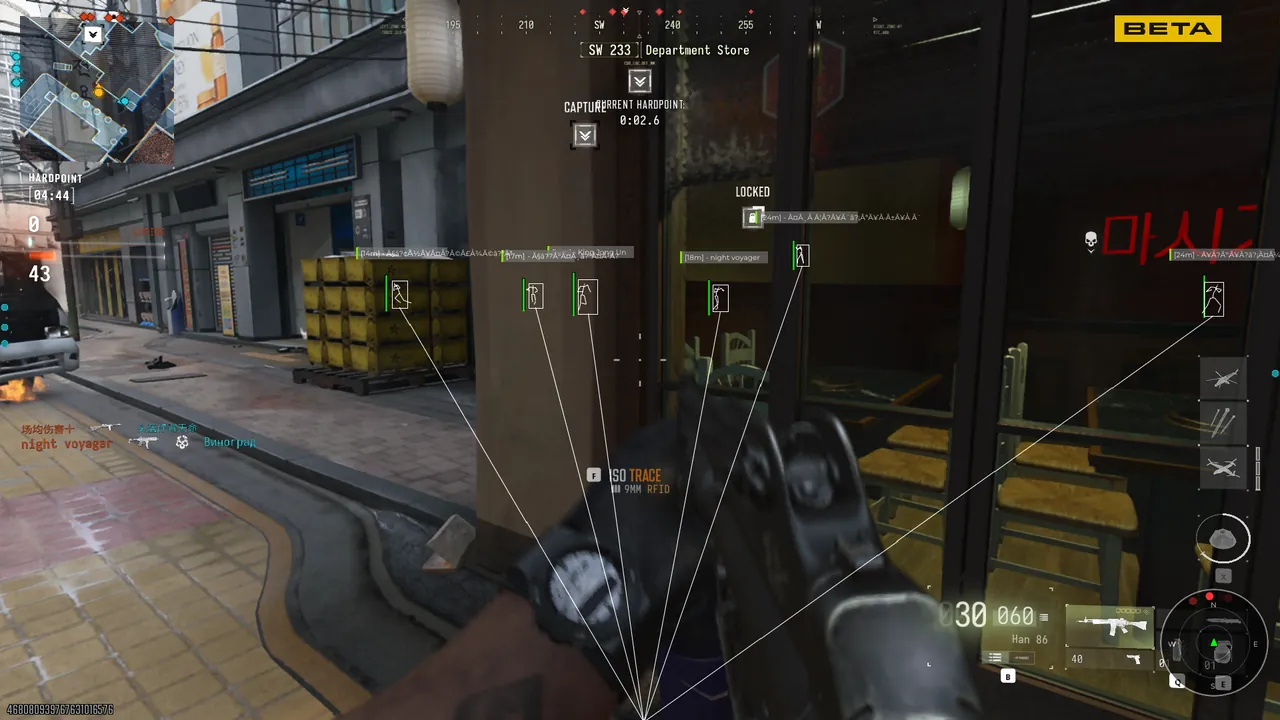
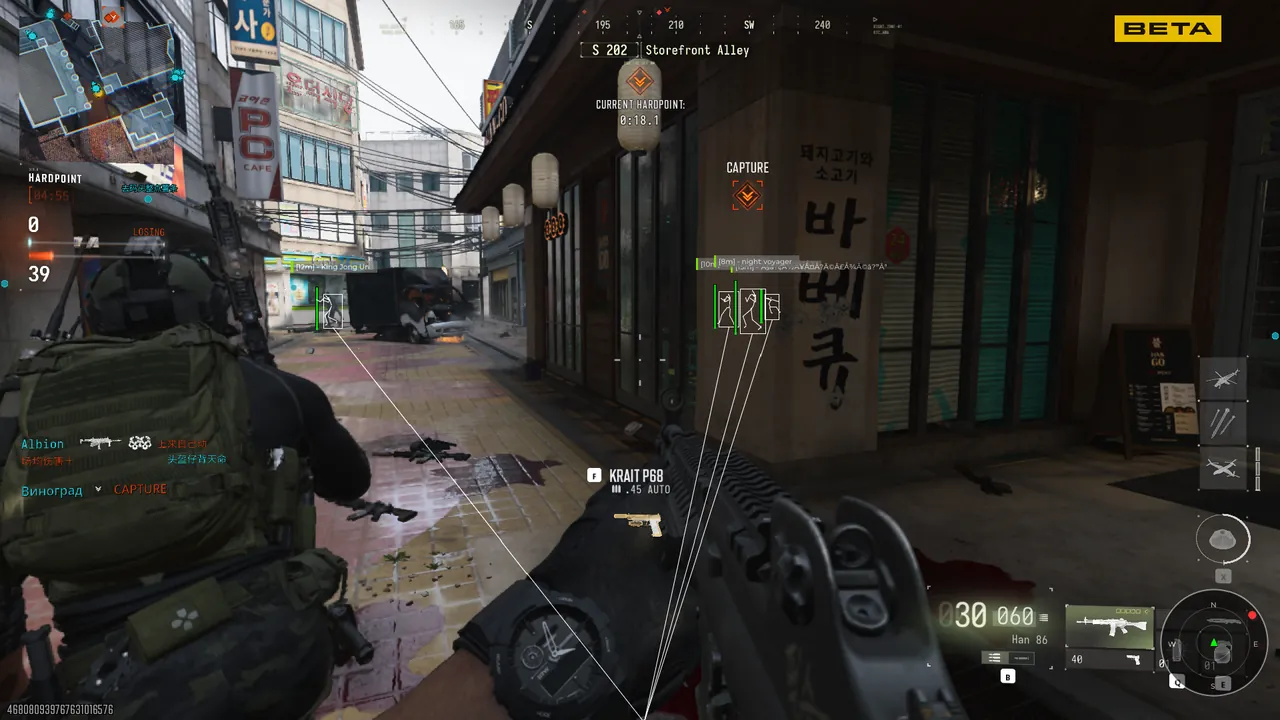
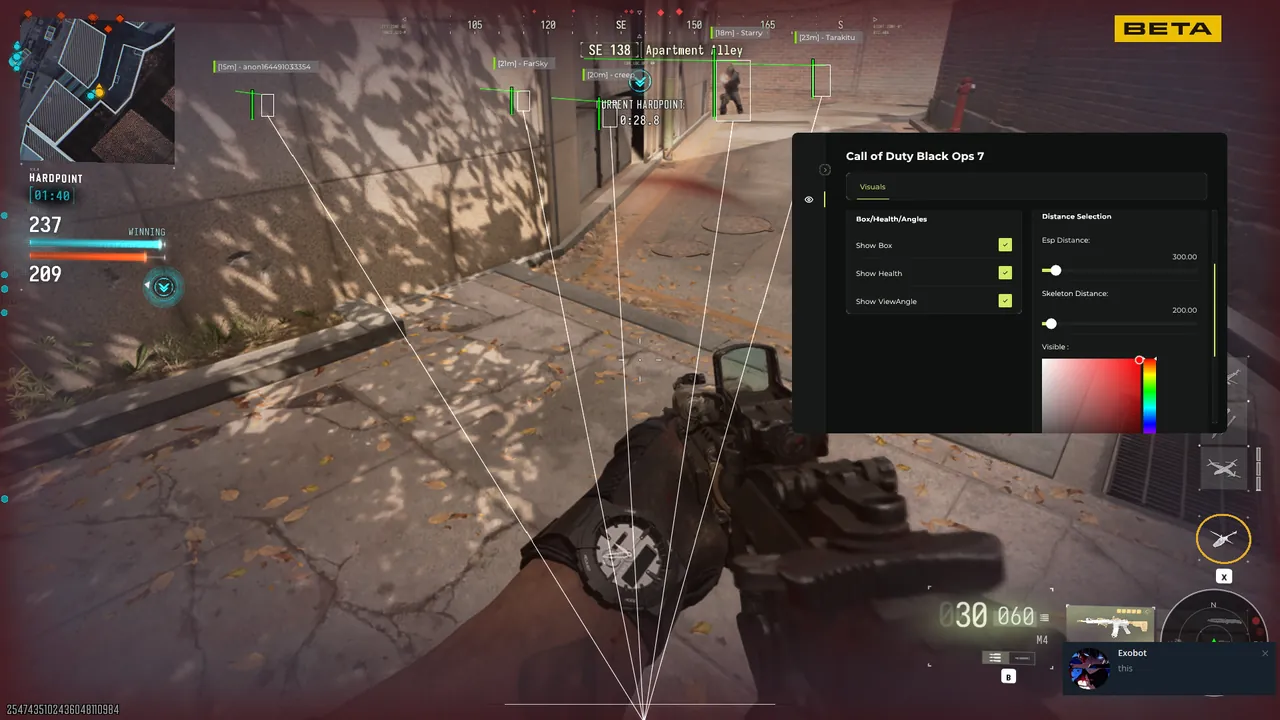
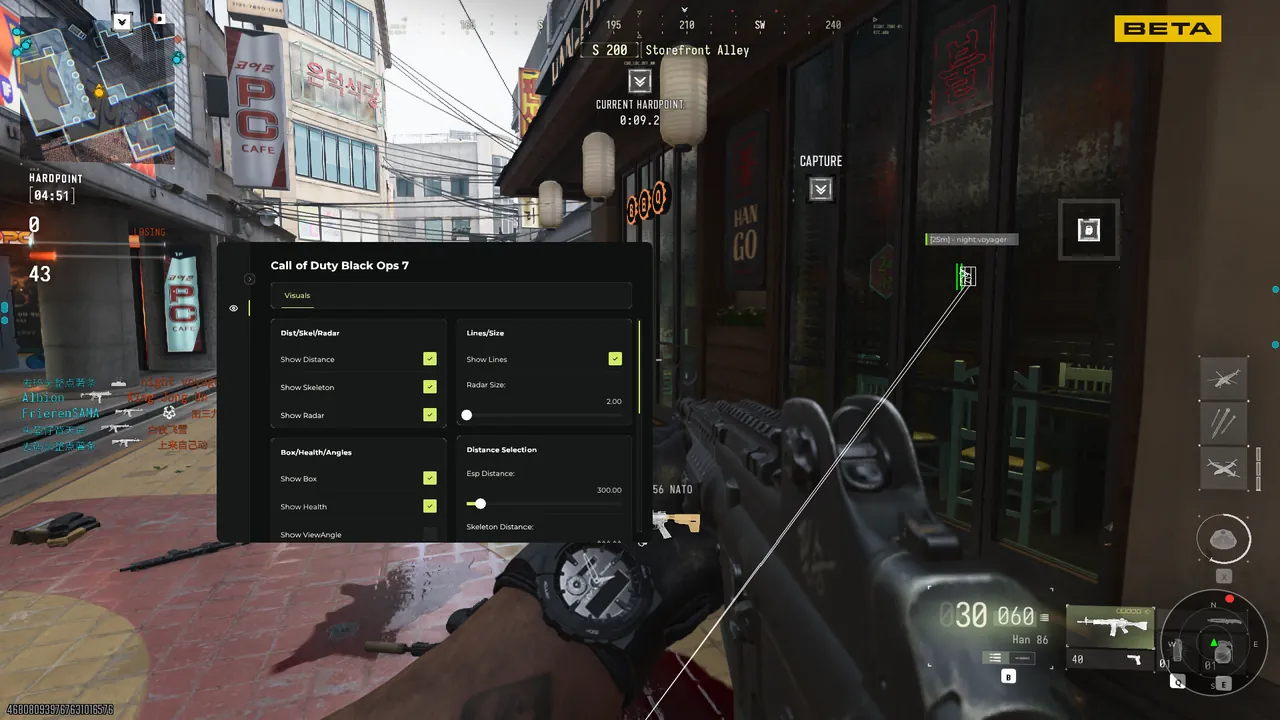
The menu opens on a hotkey in or out of a match. Sensible defaults are preloaded, so the very first game is already playable - tuning is for later, one setting at a time, in a private match first.
Anything that does not behave on your machine gets sorted at support@modernwarfare4cheats.com - include the order reference, Windows version, GPU and a screenshot of any error, and the answer comes back specific rather than generic.
A few environments need one extra step: Secure Boot configurations on some boards, or overlays from GPU vendor software that load first. The guide covers both cases with screenshots, and support has seen every variation - if the first run does not behave, the fix is usually one setting away.
One last habit worth forming early: pin the guide tab open while the loader runs the first time. Everything it asks for is on that single page, in order, with nothing skipped and nothing assumed about your setup.