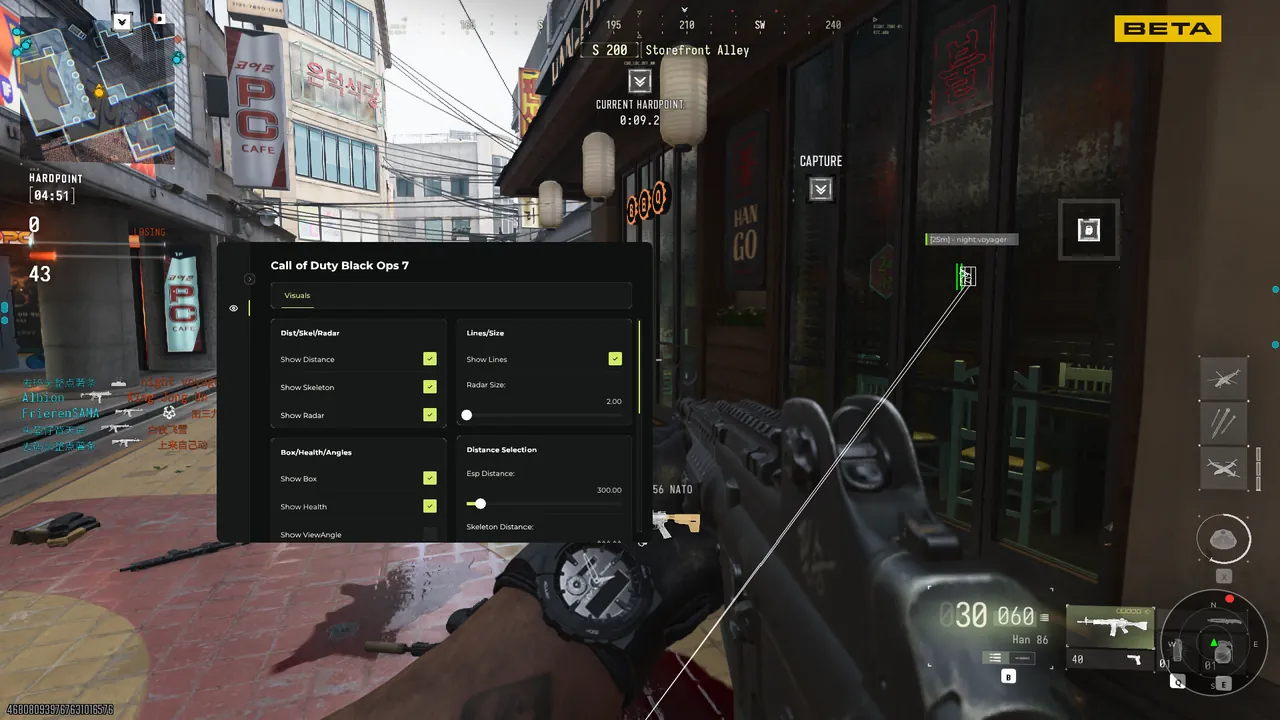
MW4 aimbot settings, demystified
The default configuration is deliberately conservative - it wins gunfights without looking like it is winning gunfights. From there, every behavior is exposed in the menu, and this page explains what each knob actually does in a match. Everything below assumes the current build; when the game patches and the module is reworked, presets are rebalanced and the update is logged on the updates page before it ships.
FOV and smoothing
FOV sets how far your crosshair can be from a target before the module ignores it - small values feel like your own aim on its best day, large values snap. Smoothing interpolates the correction over time; high smoothing is the single biggest factor in looking legitimate on killcams.
Bone priority and visibility
Choose head, neck, chest or nearest, and switch priority per weapon class so a sniper holds head while an SMG sprays center mass. The visibility check only corrects onto targets in line of sight, which stops the classic giveaway of tracking a player through a wall.
Key binds and per-weapon configs
Hold, toggle or always-on activation, bound to any key or mouse button. Configs save per weapon class, and the menu loads the right profile automatically when you swap weapons in a match.
Prediction
Movement prediction leads targets that are strafing or sliding by their velocity, tuned for MW4's time to kill, so tracking does not fall behind a moving target at range.
Start with the legit preset, play a few private matches, and change one setting at a time. The module is at its best when nobody can tell - including your own squad watching your screen. Aggressive presets exist and are one click away, but they are the fastest way to lose an account you care about.